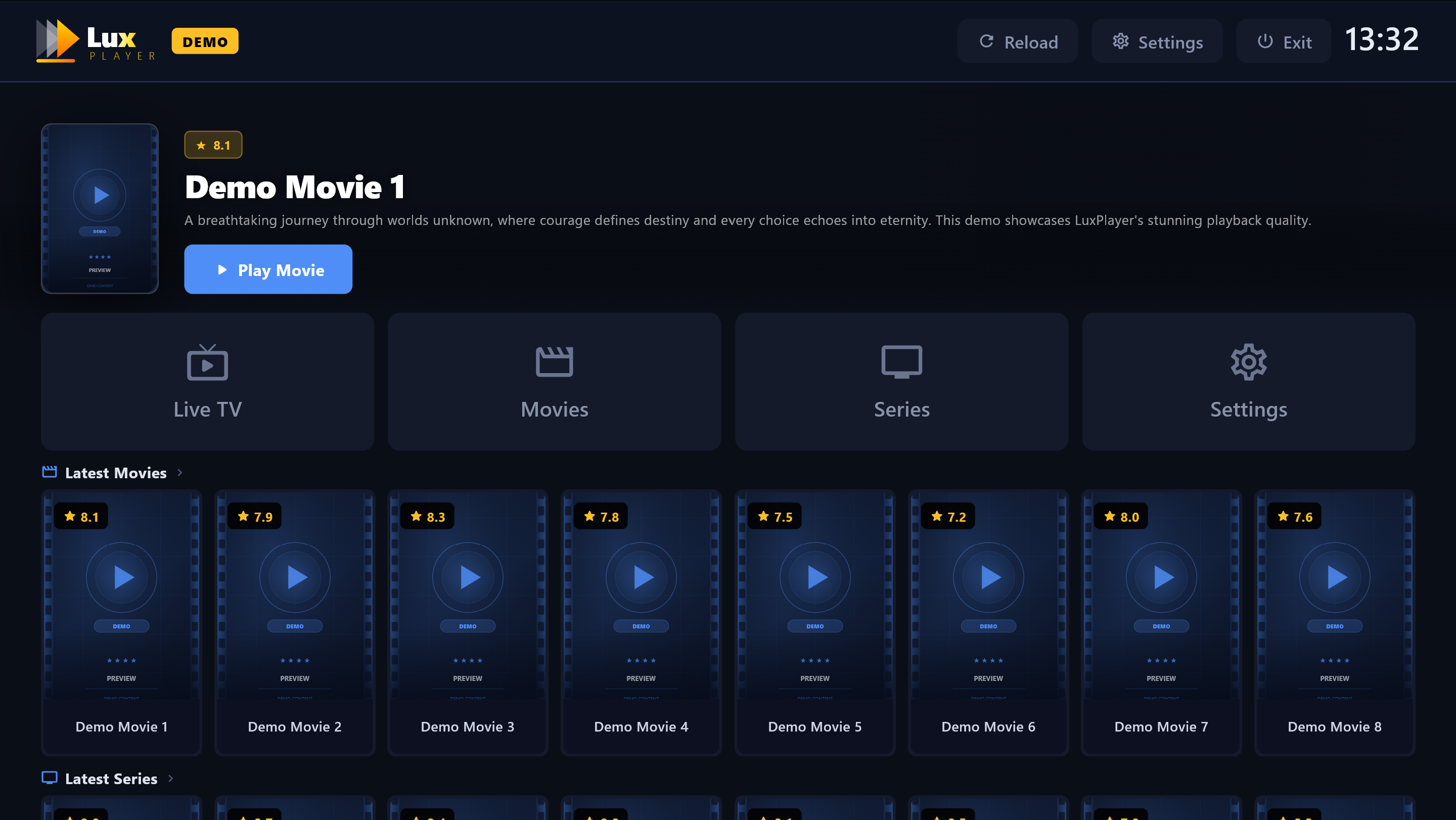
Add your own playlist and start watching in minutes. Clean interface, instant load, multi-platform — Lux Player works exactly the way you expect it to.

Lux Player does not host, stream or distribute any channels, movies or series. You bring your own playlist from your personal provider. We are not responsible for the availability, legality or quality of any third-party content. Users are solely responsible for compliance with applicable laws.
Please do not purchase Lux Player if you do not already own a personal playlist — no content is included and payments are non-refundable.
Add your own playlist and instantly access channels, movies and series — on your Smart TV or Windows PC. Clean interface, no technical knowledge required.
Get StartedClean, intuitive design — easy to navigate with your TV remote or mouse. No learning curve.
Save your favorite channels, movies and series for quick access anytime.
Find any channel, movie or series instantly by keyword across your entire playlist.
Sort channels and categories alphabetically or by most recent. Filter by genre instantly.
Store up to 5 playlists per device and switch between them instantly without re-entering credentials.
Full electronic programme guide — see what's on now and next for all your live channels.
Lux Player remembers where you left off in any movie or series episode automatically.
Instant channel switching with preview mode — browse the list while the stream plays live.
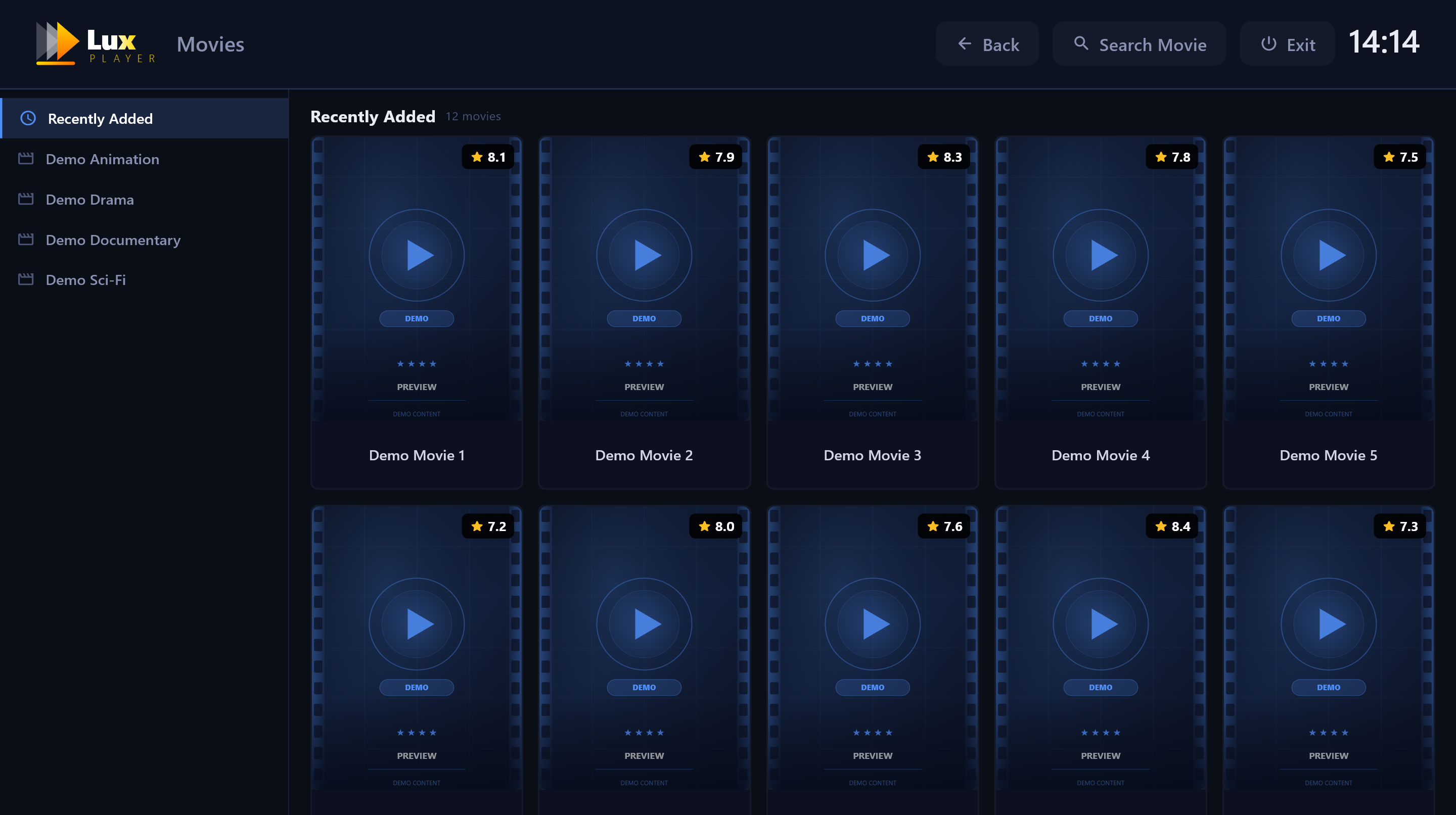
Browse your entire movie and series collection with poster art, ratings and genre categories. Select any title to see details, preview and play — all with your TV remote, nothing else needed.
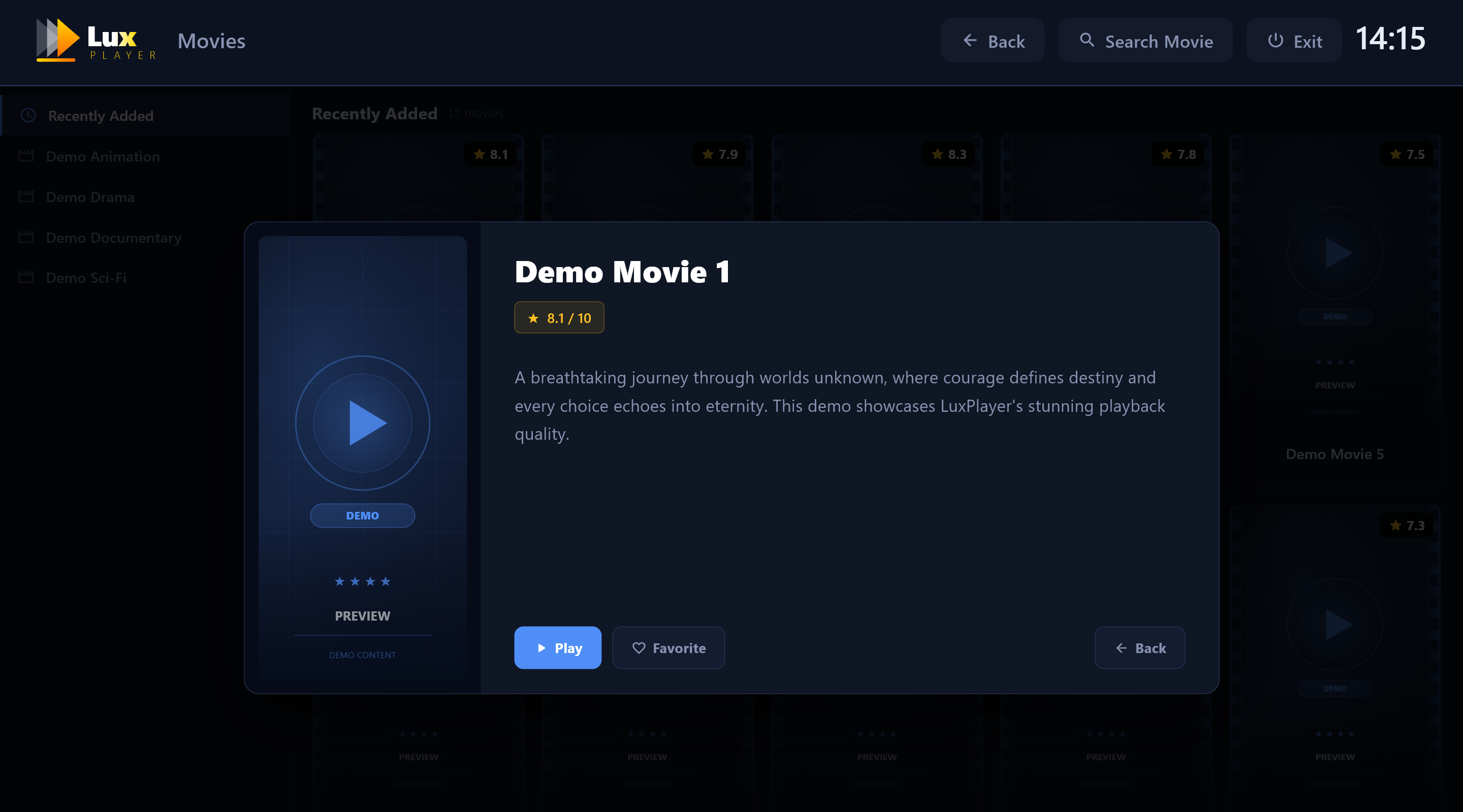
Select any movie or series and get the full detail card — title, rating, description, play and favorite buttons. Everything controlled from your remote. Simple, fast, no friction.
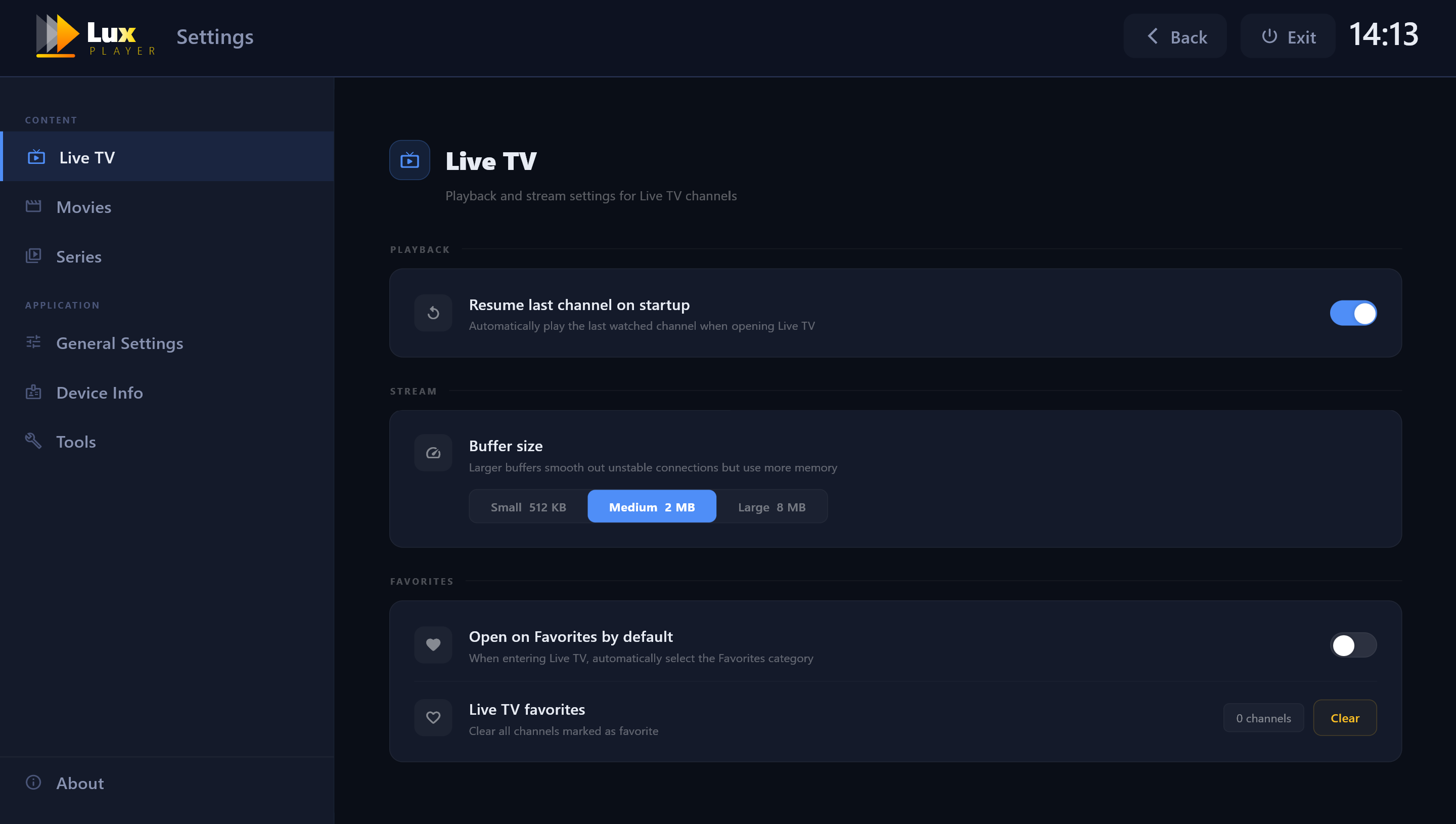
Adjust playback preferences, manage favorites, switch playlists and configure your experience from the built-in Settings screen. Everything is accessible directly from your remote — no app, no phone needed.
Lux Player runs natively on platforms you already own. No extra hardware needed.
Tizen 2017 and newer. Available directly from the Samsung App Store.
webOS TVs. Install directly from the LG Content Store, no sideloading.
Philips, AOC & JVC Smart TVs running Titan OS.
Full desktop app for Windows. Same clean interface on your laptop or PC.
Fire TV Stick & Fire TV. Install with the Downloader code or download the APK.
Android phones, tablets, TV boxes & Android TV. Install directly from Google Play.
From install to watching in under 2 minutes.
Find Lux Player in your device store and install it. Free to download.
A unique Device ID appears on screen when you first open the app.
Go to luxplayer.app/upload and enter your Device ID and playlist credentials.
Reload the app — everything loads instantly. Activate for unlimited access.
Everything you need to know before getting started.
Add your playlist or activate your device — takes under 2 minutes.